

Custom Checkout Forms - Collect information from clients using Forms on Pensight
As a PRO user, you can create custom checkout forms for any Pensight product to collect extra information, qualify client suitability, or motivation with different types of form fields.
While every sale already collects clients' names and email addresses, with Forms you can create a custom experience.
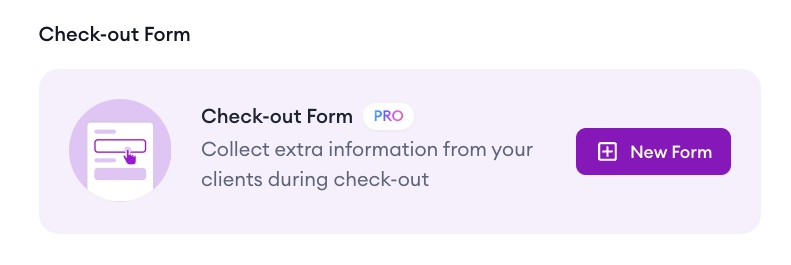
To add a Checkout Form. go to any product settings and look for the Checkout Form widget:
What kind of form fields I can add?
You can 6 types of form fields to your form:
- Short Answer - collect short piece of information, like a phone number.
- Paragraph - larger field for long answers, like "What's your motivation to join this coaching program".
- Multiple Choice - when you need a client to select one of available options.
- Checkboxes - get client to agree to something or select multiple suitable answers.
- File Upload - get client to submit a single file, for example, it could be a video for which you'll be performing an audit.
- Multiple File Upload - allow clients to upload multiple files.
You can add as many questions to the form as you like and make them required or optional. If your questions are mandatory, clients won't be able to complete the purchase unless they answer them.
Where can I find the form answers?
Form answers will be saved in the forms page where you can view or download them. They'll also be included in the purchase notification email you receive when client submits a form.
Can I reuse forms between products?
Yes! When you click to add a new form, you'll be able to select an existing form and add it to your product.
What if I just want to collect emails without selling a product?
You can do that by adding an email form on your page! Go to My page, then click "Add products, links, or content", then select Email Form.
Tip: if you are looking to create a standalone form without a purchase associated with it, you can add it to a free empty private Digital Product, and change the product type field to "Application Form" or something similar. Then use the product link as a standalone form link.


